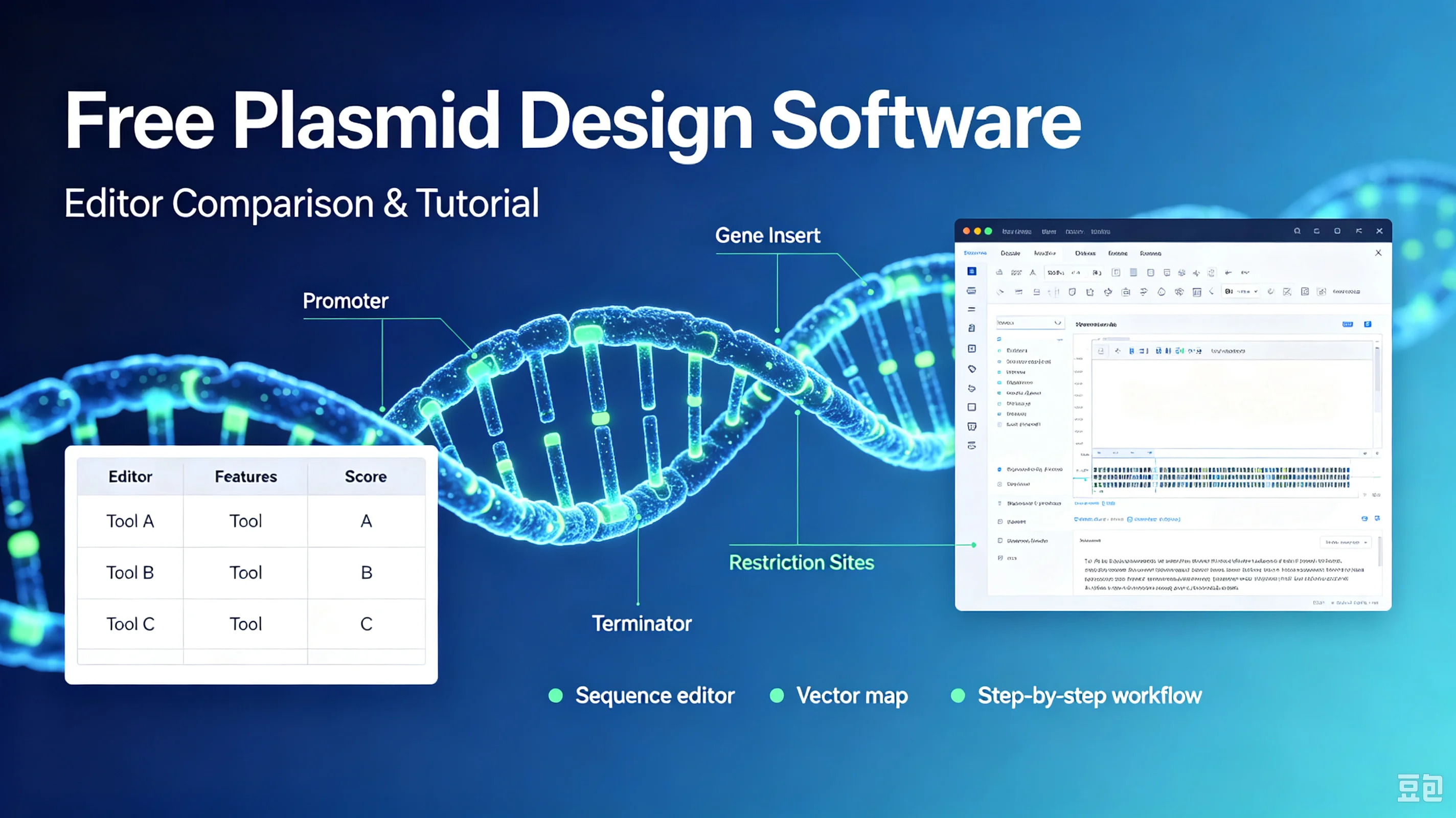
Looking for free plasmid design software? Compare SnapGene Viewer, Benchling, ApE, Serial Cloner and chembioTube's editor, plus a step-by-step plasmid design tutorial for beginners.
Designing a plasmid doesn't require an expensive software license. Whether you're cloning a gene, assembling a CRISPR construct, or just need to view a plasmid map, free tools can handle most routine molecular biology work. This guide compares the best free plasmid editors and walks you through a complete design workflow.
Why Plasmid Design Software Matters
A plasmid is more than a circular DNA sequence. It's a functional blueprint with promoters, coding regions, antibiotic markers, origins of replication, and restriction sites scattered across thousands of base pairs. Trying to manage this in a text editor or Excel is error-prone and slow.
Good plasmid design software lets you:
Visualize features on a circular or linear map
Annotate genes, promoters, and terminators automatically
Find restriction enzyme cut sites
Simulate cloning reactions (restriction-ligation, Gibson, Golden Gate)
Translate coding sequences in all six frames
Share annotated sequences with collaborators
Free Plasmid Design Software Comparison
Tabel
Tool | Price | Platform | Best For | Key Limitation |
|---|---|---|---|---|
SnapGene Viewer | Free | Win/Mac/Linux | Viewing & sharing .dna files | Cannot edit or save designs |
Benchling | Free (academic) | Web | Collaborative design & cloud storage | Free tier limits projects; commercial use paid |
ApE (A Plasmid Editor) | Free | Win/Mac/Linux | Lightweight editing & restriction analysis | Outdated UI; no cloud sync |
Serial Cloner | Free | Win/Mac | Cloning simulation & sequence analysis | Mac-only recent versions; sparse updates |
chembioTube Plasmid Editor | Free | Web | Fast browser-based design & plasmid maps | Newer tool; smaller feature set than Benchling |
SnapGene Viewer is the industry standard for viewing plasmid files. If a collaborator sends you a .dna file, SnapGene Viewer opens it perfectly. But you cannot create or edit sequences — for that you need the paid version (~$350/year).
Benchling is the most full-featured free option for academics. It runs in your browser, supports Gibson assembly and CRISPR design, and saves everything to the cloud. The catch: the free tier is limited to non-commercial use, and project counts are capped.
ApE has been around for over 15 years. It's lightweight, runs locally, and handles restriction mapping well. The interface looks dated, but it's reliable and doesn't require an account.
Serial Cloner offers similar capabilities to ApE with a slightly cleaner interface. It's popular among Mac users but receives infrequent updates.
chembioTube Plasmid Editor runs entirely in your browser — no download, no account. It's built for quick plasmid map creation, feature annotation, and sequence editing. If you need a fast, no-signup tool for routine cloning design, it's the simplest starting point.
Step-by-Step Plasmid Design Tutorial
Here's a basic workflow that works in any of these tools. We'll design a simple expression plasmid: insert a gene of interest (GOI) behind a constitutive promoter, with an antibiotic resistance marker.
Step 1: Choose your backbone
Start with a known backbone sequence — for example, pUC19 (2,686 bp) or pcDNA3.1. Every plasmid needs:
An origin of replication (ori) — determines copy number in bacteria
A selectable marker — usually antibiotic resistance (AmpR, KanR, etc.)
A multiple cloning site (MCS) — where you'll insert your GOI
Import the backbone GenBank file or paste the raw sequence into your editor.
Step 2: Annotate existing features
Most editors auto-detect common features (promoters, ORFs, terminators). Verify that the ori, resistance gene, and MCS are correctly labeled. Add manual annotations if anything is missing.
Step 3: Design your insert
Obtain the coding sequence of your GOI. Decide on:
Promoter: constitutive (CMV, EF1α, T7) or inducible (lac, tet)
Tag: N-terminal or C-terminal (His-tag, FLAG, GFP)
Restriction sites: which enzymes flank the MCS and don't cut inside your GOI
Add the promoter and tag sequences to your insert in the correct reading frame.
Step 4: Simulate the cloning reaction
Select your restriction enzymes (or Gibson assembly overlaps) and run the assembly simulation. The software will:
Show where each fragment cuts
Predict the final circular product
Flag any frame shifts or invalid ligation junctions
Check that the GOI is in-frame with the promoter and any tags.
Step 5: Verify and export
Run a final check:
Confirm the insert orientation
Translate the GOI to verify no premature stop codons
Confirm restriction sites are unique
Save or export as GenBank (.gb), FASTA, or plasmid map image
How to Choose the Right Tool
Just need to view a file? → SnapGene Viewer
Academic lab, need collaboration? → Benchling
Want a lightweight desktop editor? → ApE or Serial Cloner
Need fast, no-download browser editing? → chembioTube Plasmid Editor
Doing complex high-throughput assembly? → Benchling (or paid SnapGene)
For most routine cloning — inserting a gene, checking restriction sites, generating a plasmid map — any of these free tools will suffice. The best choice depends on your workflow, not your budget.
Start Designing
Ready to build your next plasmid? Open the chembioTube Plasmid Editor — free, no signup, runs in your browser. Paste a sequence, annotate features, and export a plasmid map in minutes.